How-To Guides

Step-by-step tutorials for using AI, apps, and services safely, without jargon, pressure, or confusing tech talk.
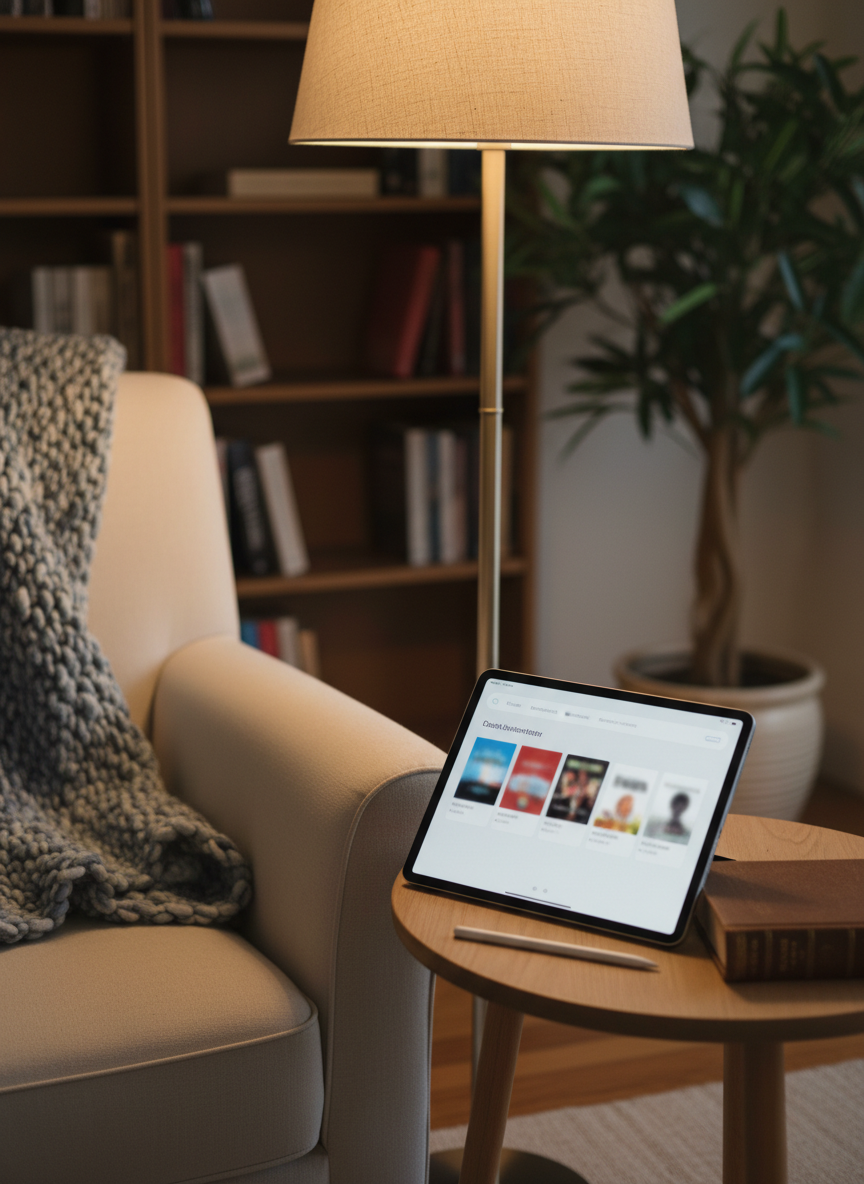
A cozy reading nook with a high-resolution tablet resting on a small side table, its screen displaying a simplified e-book library interface with large cover thumbnails and a clean navigation bar, all slightly blurred to avoid legible titles. Next to the tablet lies a classic hardback book and a slim stylus. A soft wool throw drapes over an armchair, and a floor lamp with a fabric shade casts warm, inviting light that gently reflects off the tablet’s glass surface. In the background, a bookcase and a potted plant are tastefully out of focus. Photographic realism, captured from a three-quarter angle, emphasizes the harmony between traditional reading and modern digital tools for lifelong learning.

Pathways

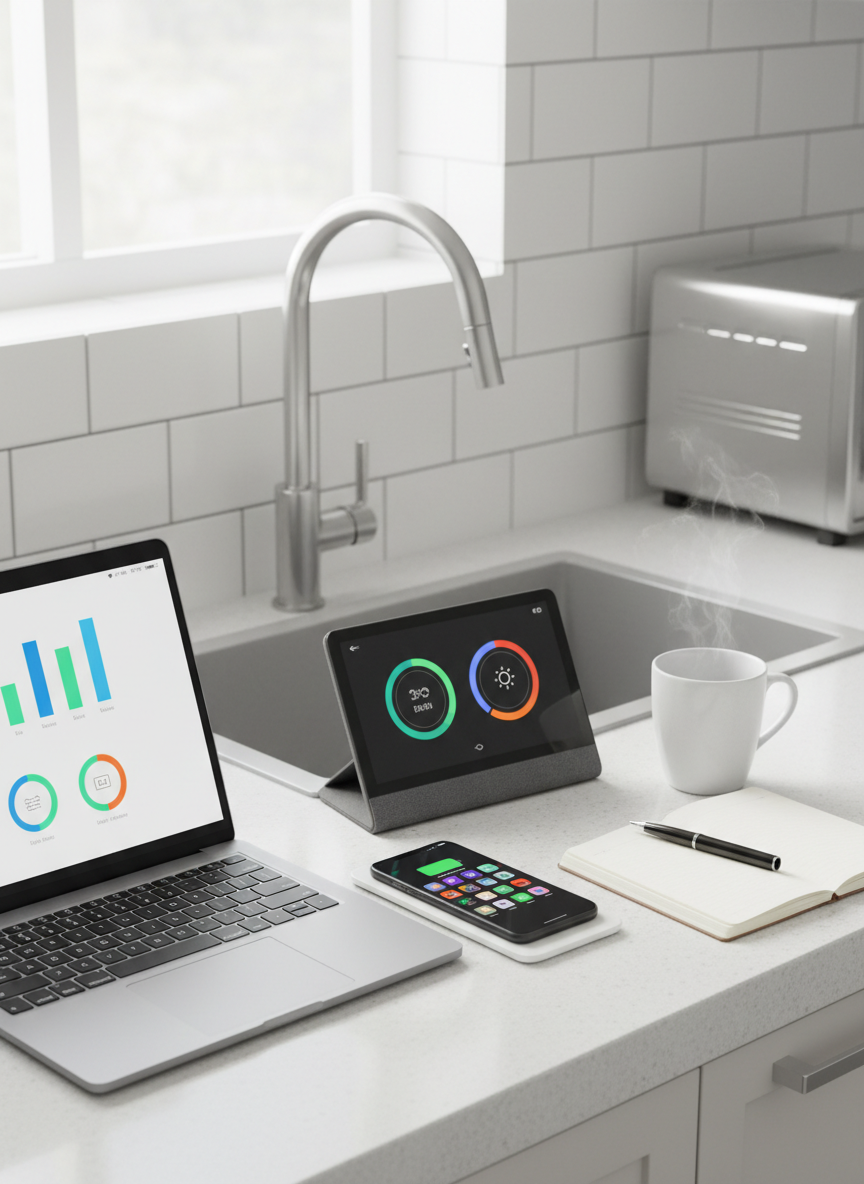
A tidy, bright kitchen countertop with an open laptop, a smartphone on a slim wireless charging pad, and a small smart display angled toward the viewer, each screen showing simplified, colorful icons and charts without readable text. A ceramic mug with rising steam sits beside a notepad and pen, suggesting planning and productivity. The backsplash is clean white subway tile, and a window above the sink lets in soft morning sunlight, creating subtle highlights on stainless steel appliances and gentle reflections on the glass surfaces. Photographic realism, shot from a slightly elevated angle with balanced composition, conveys a sense of organized, everyday smart living, emphasizing technology as a natural, helpful presence rather than a distraction.

Follow our Getting Started path to learn basic apps, AI tools, and settings in a calm, no-rush sequence.

A minimalist home office scene featuring an open laptop running a clean, colorful budgeting dashboard with graphs and large, abstracted numbers, carefully defocused to avoid readable text yet clearly indicating savings and expenses. A slim calculator, a pair of reading glasses folded on top of a simple notebook, and a neatly stacked pile of printed bills are arranged on a light wood desk. Soft, diffused daylight from a nearby window illuminates the scene, creating gentle shadows and a sense of clarity. Photographic realism, shot from an eye-level angle with moderate depth of field, conveys careful money management and practical financial planning in a sophisticated, uncluttered digital environment.

Our Online Safety path explains passwords, scams, and privacy settings, showing exactly what to tap or click.

A sleek, modern living room centered around a large, thin-framed smart TV displaying a clear, colorful home screen with app icons and streaming options, the interface shown in soft focus to avoid legible text. A compact smart speaker and a tablet rest neatly on a light oak media console, their glowing screens suggesting voice control and simple navigation. The room features neutral tones, a textured wool rug, and a few well-chosen books, evoking sophistication without clutter. Soft afternoon light filters through sheer curtains, casting gentle shadows and subtle reflections on the screens. Photographic realism, eye-level composition with a shallow depth of field keeps the main devices crisp while the background falls into a calm, elegant blur, creating an atmosphere of relaxed, confident smart living.

Build confidence step by step, with screenshots, plain language, and short practice tasks you can repeat anytime.
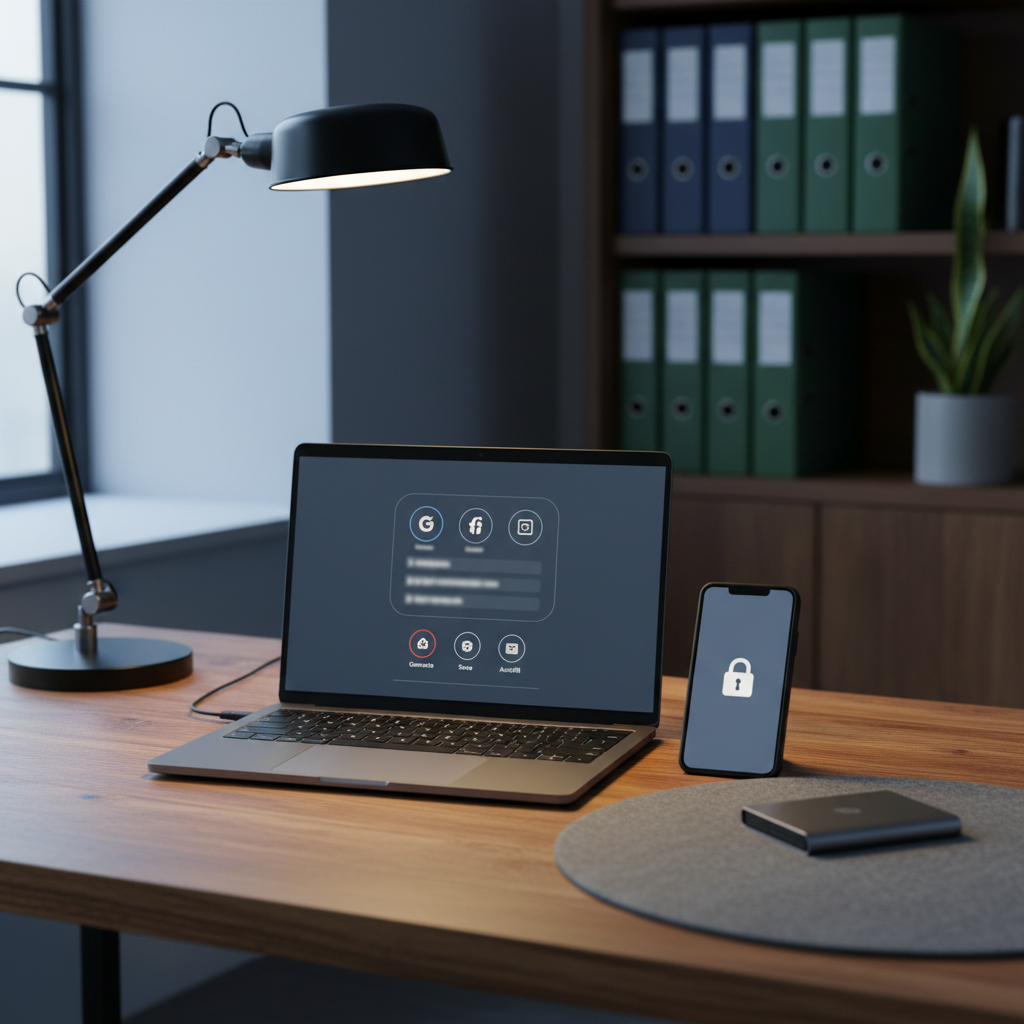
A sturdy wooden desk with a matte-finish laptop open to a large, uncluttered browser window displaying a stylized password manager interface, with icons and blurred-out fields implying security without legible data. Beside it, a smartphone shows a simple padlock symbol on its screen, and a small external drive rests on a felt desk mat. A modern task lamp casts warm, focused light across the workspace, contrasting gently with cool ambient light from a nearby window. In the background, slightly out of focus, a bookcase with neatly arranged binders and a small green plant adds texture. Photographic realism, composed using the rule of thirds, communicates online safety and digital confidence in a calm, professional atmosphere.

Saving Money guides highlight discounts, smarter subscriptions, and free tools, so technology starts cutting costs instead of adding them.